
All Grow a Garden 2 Scripts are now available, offering a range of features that can make repetitive gameplay tasks easier. Depending on the script version, you may find options such as Auto Collect, Auto Plant, Auto Harvest, Auto Sell, Auto Buy, Auto Water, Auto Rejoin, Auto Claim, Teleport, Anti-AFK, Auto Upgrade, and other functions. These features are intended to reduce manual work and help players progress through the game more efficiently.
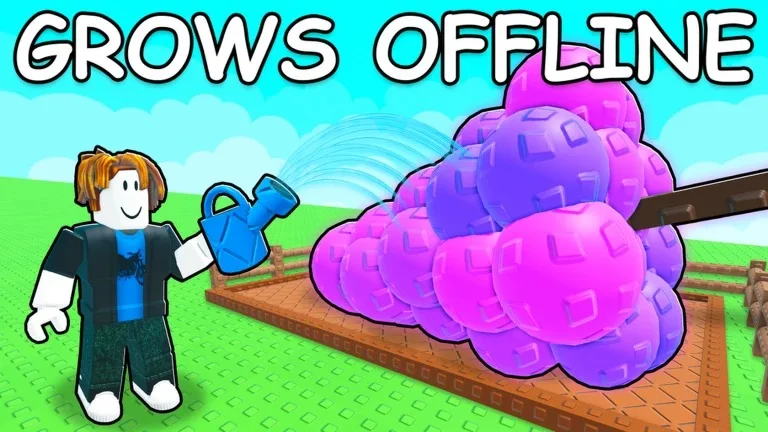
Copy All Grow a Garden 2 Script (2026)
Ronix Hub
loadstring(game:HttpGet("https://api.luarmor.net/files/v4/loaders/030c18901831a9df3ddf3b8bce0bf9cb.lua"))()Ronix Hub
onix:loadstring(game:HttpGet("https://api.luarmor.net/files/v3/loaders/fda9babd071d6b536a745774b6bc681c.lua"))()No key:_G.AutoTranslate = false
_G.SaveConfig = true
loadstring(game:HttpGet("https://raw.githubusercontent.com/Dev-BlueX/BlueX-Hub/refs/heads/main/Main.lua"))()
Ajjans Hub
loadstring(game:HttpGet("https://api.luarmor.net/files/v4/loaders/359e97f8618e9008afe5f496184ebb7c.lua"))()
Grow a Garden 2 Script – Spawn Pets & Seeds
loadstring(game:HttpGet("https://raw.githubusercontent.com/scripteredwinter/scripts/refs/heads/main/gag2spawner"))()Foxname Grow a Garden 2 Script Besthub
getgenv().SCRIPT_KEY = "KEYLESS"
loadstring(game:HttpGet("https://api.jnkie.com/api/v1/luascripts/public/ccc8664d5d3679f2cd4175a92e12a0670466d69fbcf9a342d05c9dfa002f1669/download"))()
How to Use Grow a Garden 2 Script in Roblox
Using a Roblox script generally involves a few basic steps:
- Open Roblox and sign in to your account.
- Search for Grow a Garden 2 and join the game.
- Start a compatible third-party script executor on your device.
- Obtain the latest Grow a Garden 2 Script from a trusted source.
- Copy the script code and paste it into the executor’s script section.
- Select the Execute option to load the script.
- If the script is compatible with the current game version, its available features should appear on your screen.
Frequently Asked Questions (FAQs)
What is a Grow a Garden 2 Script?
A Grow a Garden 2 Script is a custom Lua-based script created to add automation and other functions to the Roblox experience. Depending on the version, it may assist with activities such as planting, harvesting, collecting rewards, selling items, upgrading, and managing other repetitive tasks.
Is a Grow a Garden 2 Script easy to use?
The basic process can be straightforward if you already have a compatible executor. However, the exact steps may differ depending on your device, executor, and the current version of the script.
Do I need to complete a key system?
Some third-party script executors or scripts may use a key system before allowing access. Whether a key is required depends on the particular script and executor you are using.
Which executor is best for running the script?
There is no single executor that is guaranteed to work with every script. Compatibility can change after Roblox or the game receives an update, so you should check whether your chosen executor supports the current script version and your device.
Can I use the script on mobile devices?
Mobile support depends on the script and executor. Some third-party tools may support Android devices, while others may only work on specific platforms. Check the current compatibility information before attempting to use one.
Is it safe to use a Grow a Garden 2 Script?
Third-party scripts are not completely risk-free. Downloading files from unknown sources can expose your device or account to security threats. In addition, using unauthorized scripts may violate Roblox or game-specific rules and could potentially lead to account restrictions. Avoid sharing your Roblox login details or other sensitive information with third-party tools.
Conclusion
Grow a Garden 2 Script can make repetitive activities more convenient by providing features such as Auto Collect, Auto Plant, Auto Harvest, Auto Sell, Auto Buy, Teleport, Anti-AFK, and Auto Upgrade. These options can help reduce manual work and make progression feel faster and smoother.
However, users should remember that third-party scripts and executors are not official Roblox tools. Always consider the possible security and account risks, download files only from trusted sources, and check the rules of the game before using any unauthorized scripts.